

Deployments
A deployment runs one version of your model on a selected instance type. Eachbaseten model push creates a deployment. Multiple deployments of the same model can run at once, allowing you to test a new version without changing production traffic. Deactivate a deployment to stop serving and billing, or delete it when you no longer need it.
For rapid iteration, use baseten model push --watch to create a development deployment, a mutable instance that live-reloads as you edit your model code. You can promote a development deployment directly to an environment, which creates a published deployment.
Model lab deployments
For deployment restrictions on models distributed by model labs, see Customer availability and artifact access.Environments
Environments provide stable endpoints that persist as you release new deployments. A typical setup uses one environment for testing and another for production traffic. Each environment has its own endpoint, autoscaling settings, and metrics. Promoting a deployment moves the environment’s traffic to that version without changing the URL called by your application.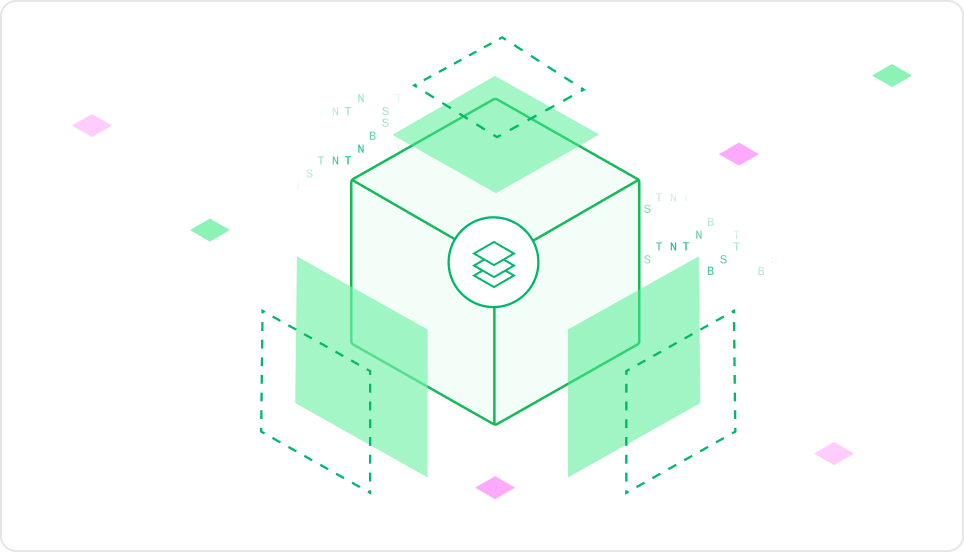
Resources
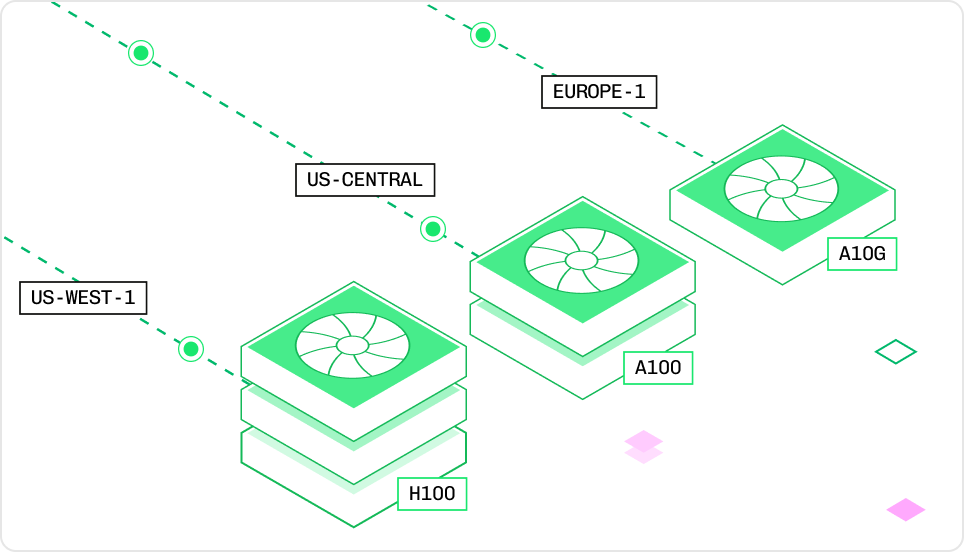
Every deployment runs on an instance type that defines its GPU, CPU, and memory. Set the instance type inconfig.yaml, or change it for a published deployment in the Baseten dashboard. Select an instance based on the model’s memory requirements, latency target, and expected traffic.
Autoscaling
Autoscaling adjusts the number of replicas as request load changes. Configure the minimum and maximum replicas, concurrency target, and scale-down delay. A deployment can scale to zero when idle, so a synchronous request can wait for a replica to start. See Startup times for ways to reduce startup time. For the mechanics of how the autoscaler tracks concurrent requests and adjusts replicas, see How Baseten works. For engine-specific autoscaling settings (BEI and Engine-Builder-LLM), see Autoscaling engines.