

Setup
Sign in to Baseten with Truss, then install the client library for the tab you’ll use:requests for the Python tab, or the OpenAI SDK for the OpenAI tab.
Sign in to Baseten
Install requests
Install the OpenAI SDK
Hardware
H100
Engine
SGLang 1.3
Write the config
Create and move into the project directory:config.yaml and paste the following:
config.yaml
/v1/images/generations that returns base64-encoded images.
Deploy
Push the config to Baseten:truss push prints your model ID (abc1d2ef in the example). The examples below use it wherever you see {model_id}, and read your API key from the BASETEN_API_KEY environment variable.
Call the model
Use the/v1/images/generations endpoint to generate your model’s images.
The deployment returns the generated image as base64-encoded bytes. Decode the response to write the image to disk. The size parameter sets the output resolution in pixels.
- Python
- OpenAI
- cURL
main.py
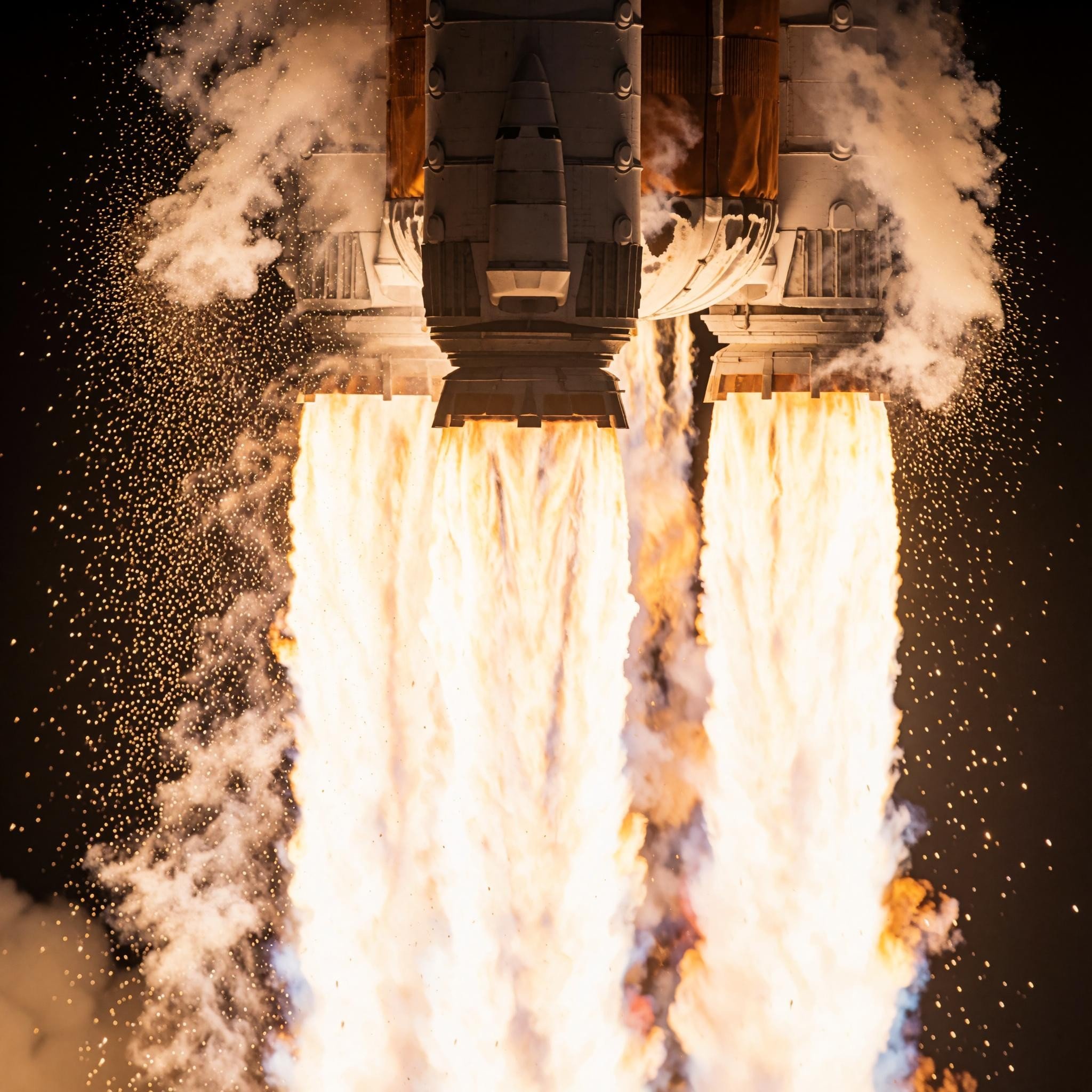
Generated by this deployment from the rocket prompt above at 2048x2048, in 8.5 seconds on an H100
Next steps
Call your model
Endpoint anatomy, authentication, and sync versus async inference
Autoscaling
Scale replicas with traffic, including scale to zero
Krea 2 prompting guide
Example prompts and prompting techniques from the Krea team